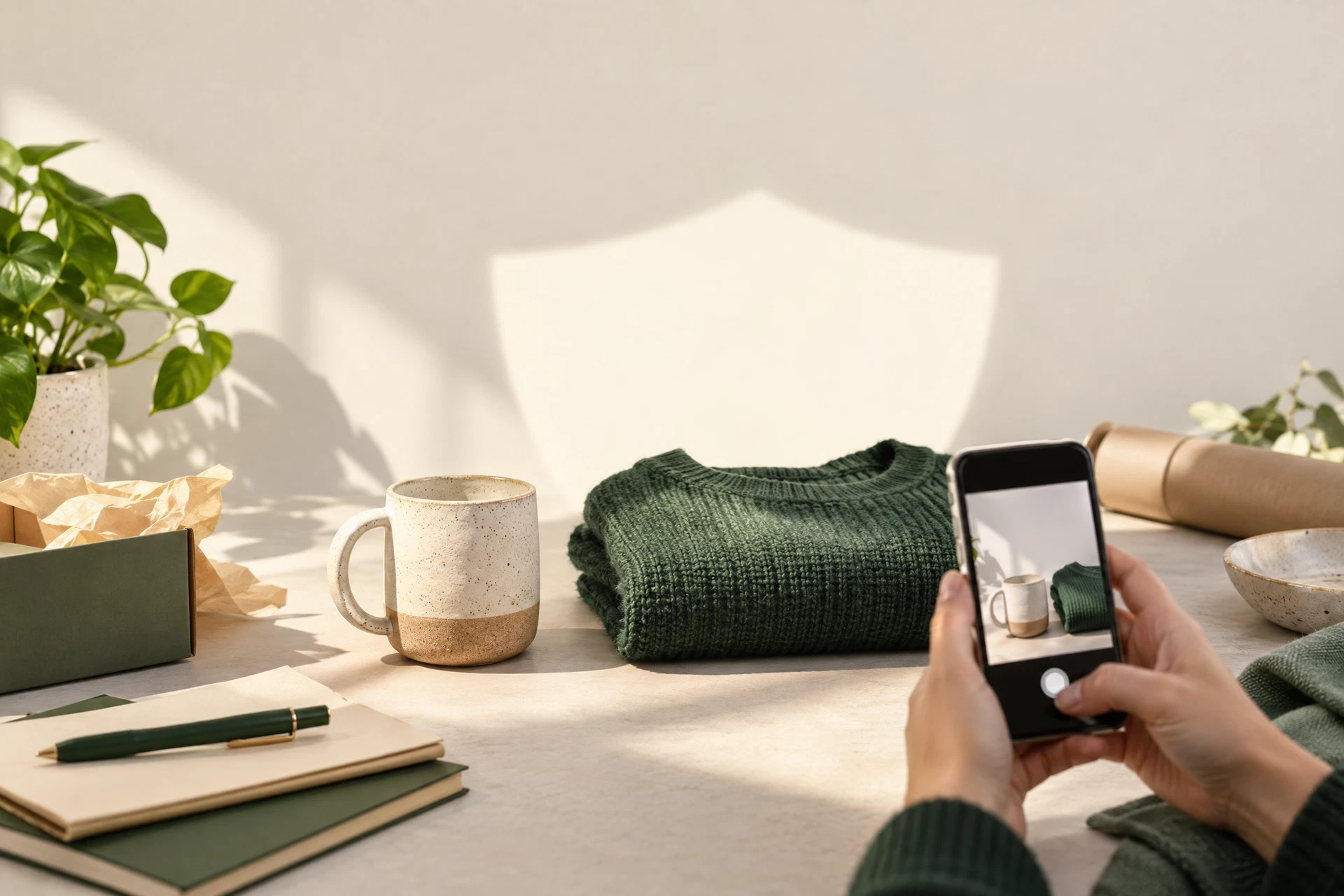
A marketplace photo has one job: help someone understand the item. It does not need to tell a stranger where you live, what phone you use, or the exact moment you took the picture.
Before you post, start with the frame. Move mail, labels, keys, school papers, and anything with an address out of view. Check reflections in windows, mirrors, and shiny appliances. A clean background protects your privacy and usually makes the listing look more trustworthy too.
Next, make a sharing copy of the image. Check for GPS coordinates, capture time, device information, and editing software. Those fields are not automatically harmful, but they rarely improve a marketplace listing. Removing them from the copy means you can keep the original if you need it later.
Give the file a neutral name. A filename such as “IMG_4821” is not a serious secret, but a name that includes a full name, address, or internal order number does not belong in a public listing. Keep the description focused on the item rather than your routine or location.
Finally, remember that privacy continues after the listing goes live. Use the platform’s messaging system instead of posting a personal phone number. Meet in a public place when appropriate. Be cautious if a buyer asks for extra photos that would reveal your home, documents, or other items.
This is not about treating every buyer like a threat. It is about separating the useful information from the accidental information. A good product photo says what is for sale—and keeps the rest of your life out of the frame.
Keep the check local: Inspect a photo before you share it ↗