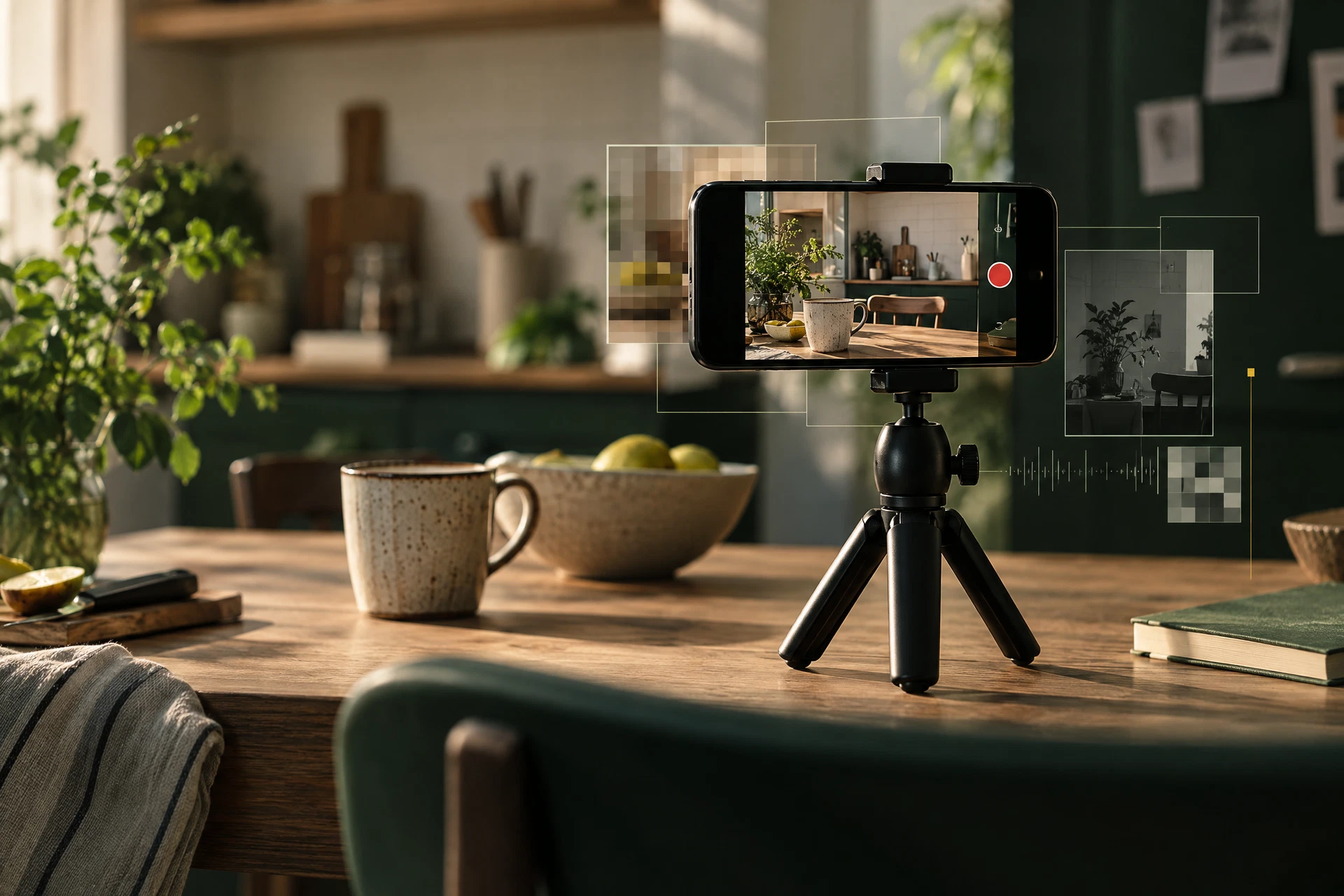
Short videos look like photos that happen to move, but the files are built differently. A video can contain a container, one or more streams, audio, codec information, editing traces, and timestamps that do not line up neatly with the fields you see in a still image.
That is why video privacy tools should be careful with their promises. A simple browser check may identify a filename, file type, duration, dimensions, and a few container tags. It may not understand every camera format, messaging-app rewrite, or editing export. “No location found” is not the same as “this file can reveal nothing.”
Start with the same common-sense questions you would ask about a photo. Does the scene show a street sign, a license plate, a school logo, or a view from your home? Does the first frame reveal something you would crop out of a still image? Is there a voice in the background that names a place or person?
For the file itself, pay attention to the source and the destination. A video exported by an editing app may have different metadata from the original camera file. A social platform may transform the file on upload, but you should not rely on that transformation as your privacy plan. If the video is sensitive, share only a copy and keep the original offline.
The honest answer is sometimes “I cannot verify every field in this format in a browser.” That is useful information. It tells you when to avoid a false sense of certainty and choose a lower-risk clip, mute the audio, crop the frame, or share it with a smaller audience.
Good privacy tools do not need to sound dramatic. They need to show what they checked, what they removed, and where uncertainty remains.
Keep the check local: Inspect a photo before you share it ↗